GitHub Integration: Repository Access for the Code Agent

The GitHub integration allows the Code Agent to clone repositories, search codebases, and open Pull Requests. This guide covers setup and usage.
Setup
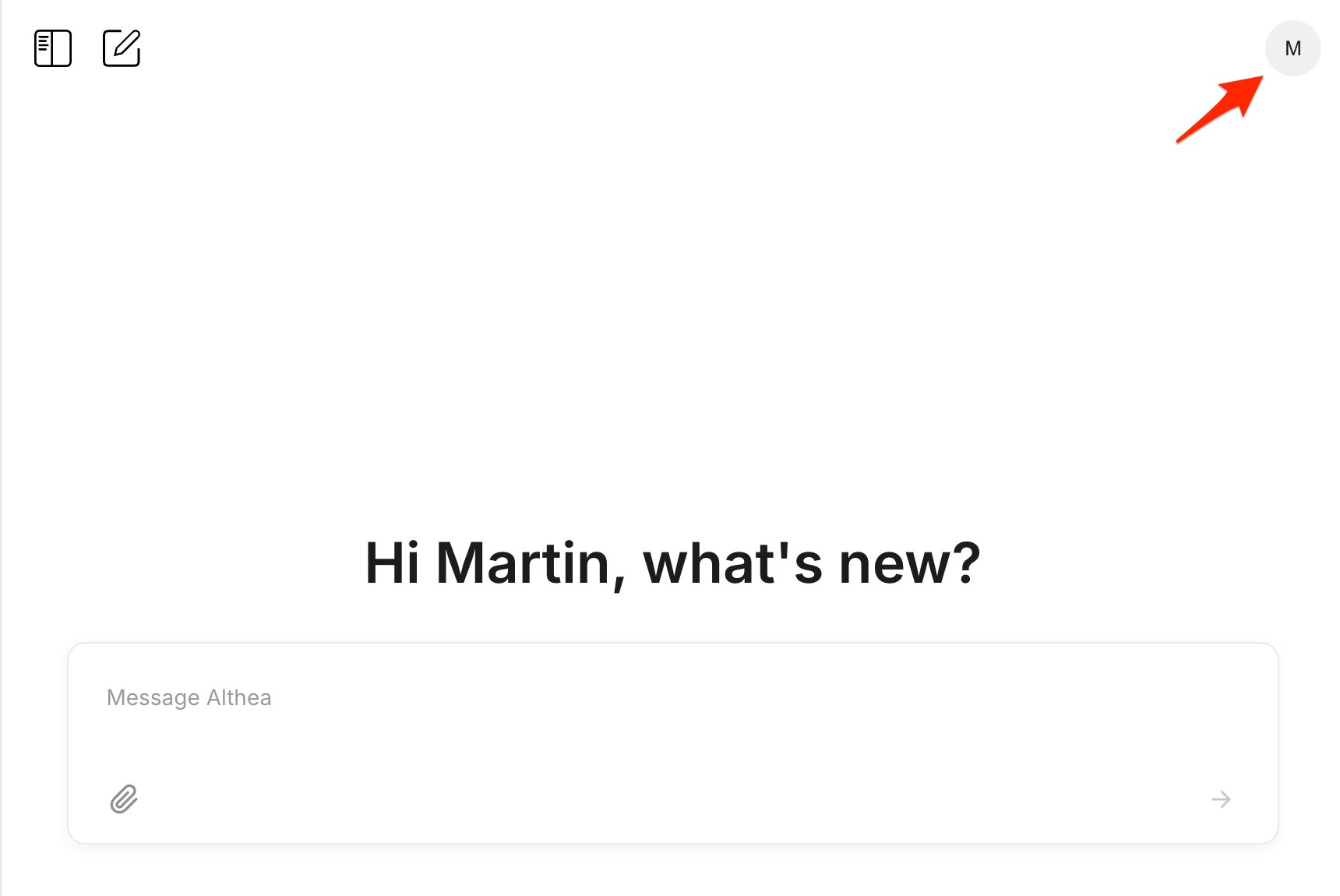
Open settings by clicking your profile icon in the top right corner.
Navigate to the GitHub integration under Integrations.
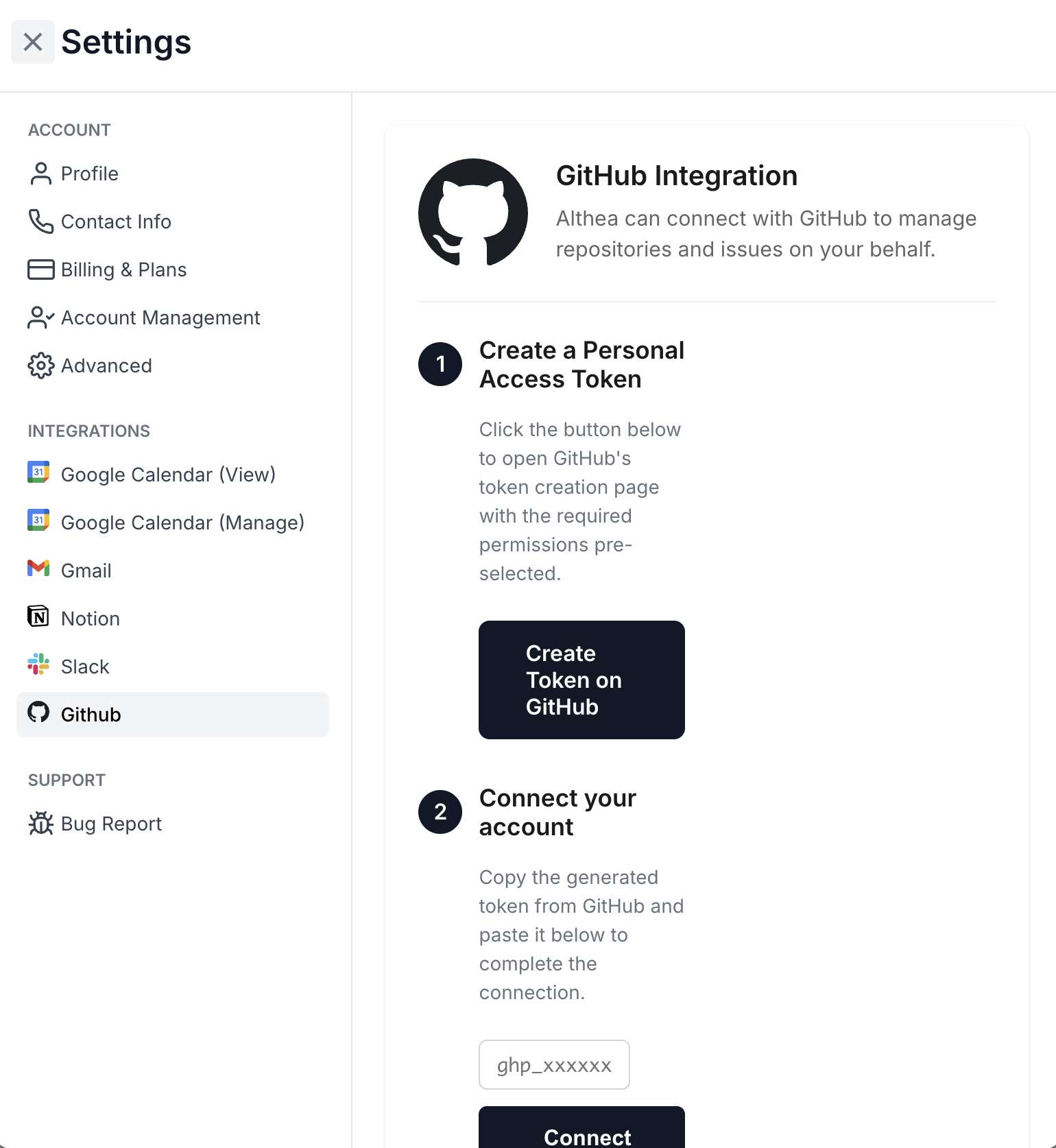
Click "Create Token on GitHub" to open GitHub's token creation page with the required permissions pre-selected. Give the token a descriptive name, set an expiration, and generate it.
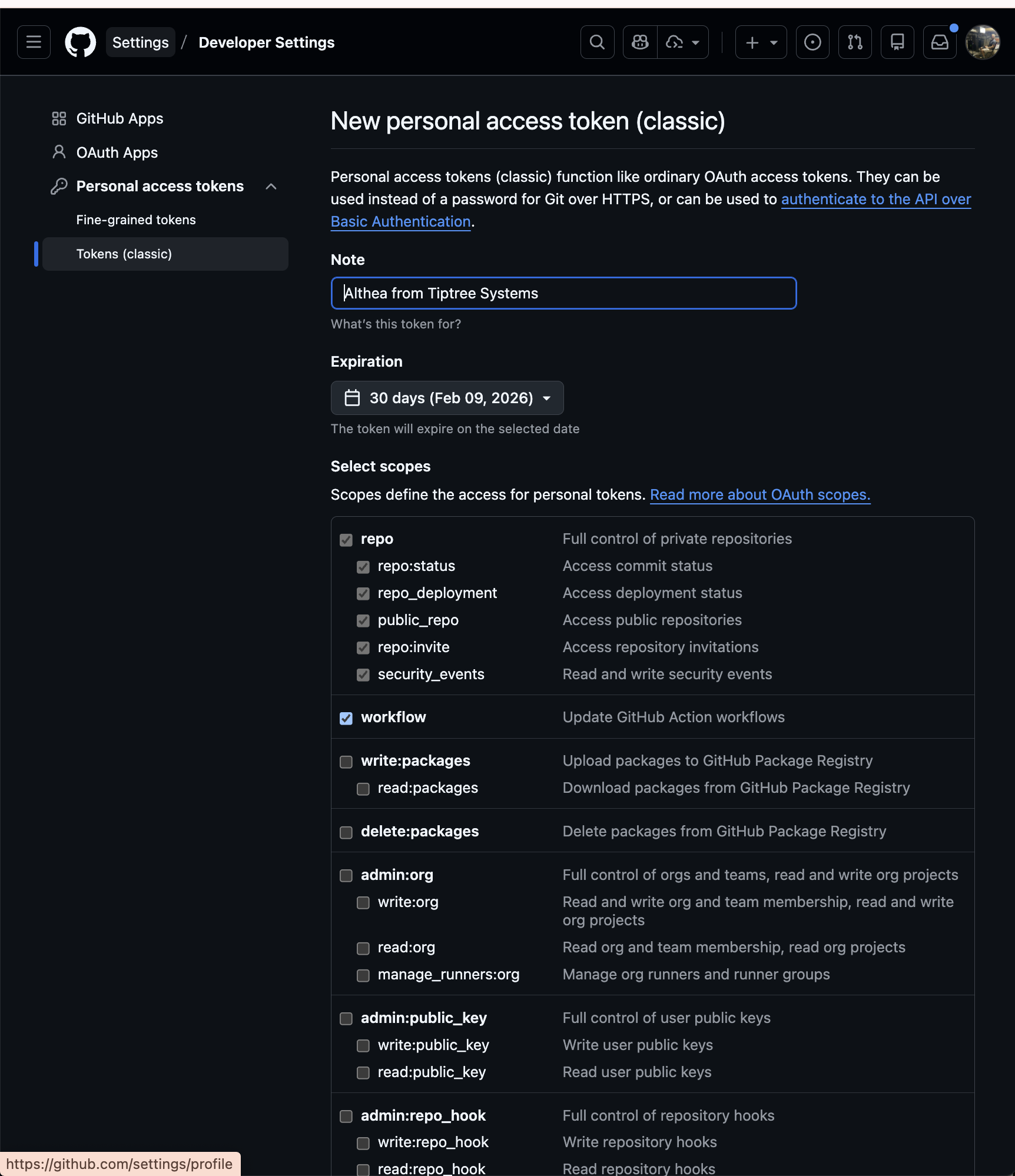
Copy the token back into Althea and click Connect.
Usage: Codebase Investigation
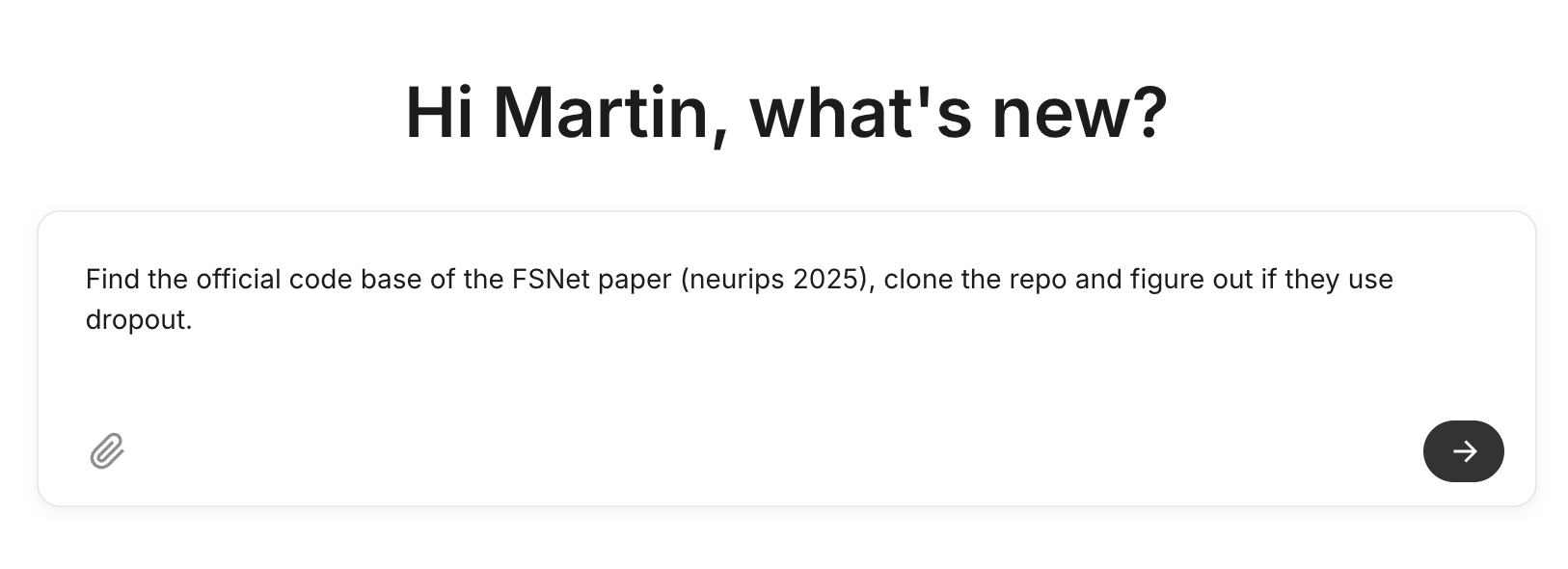
Once connected, you can ask Althea to investigate any repository. For example:
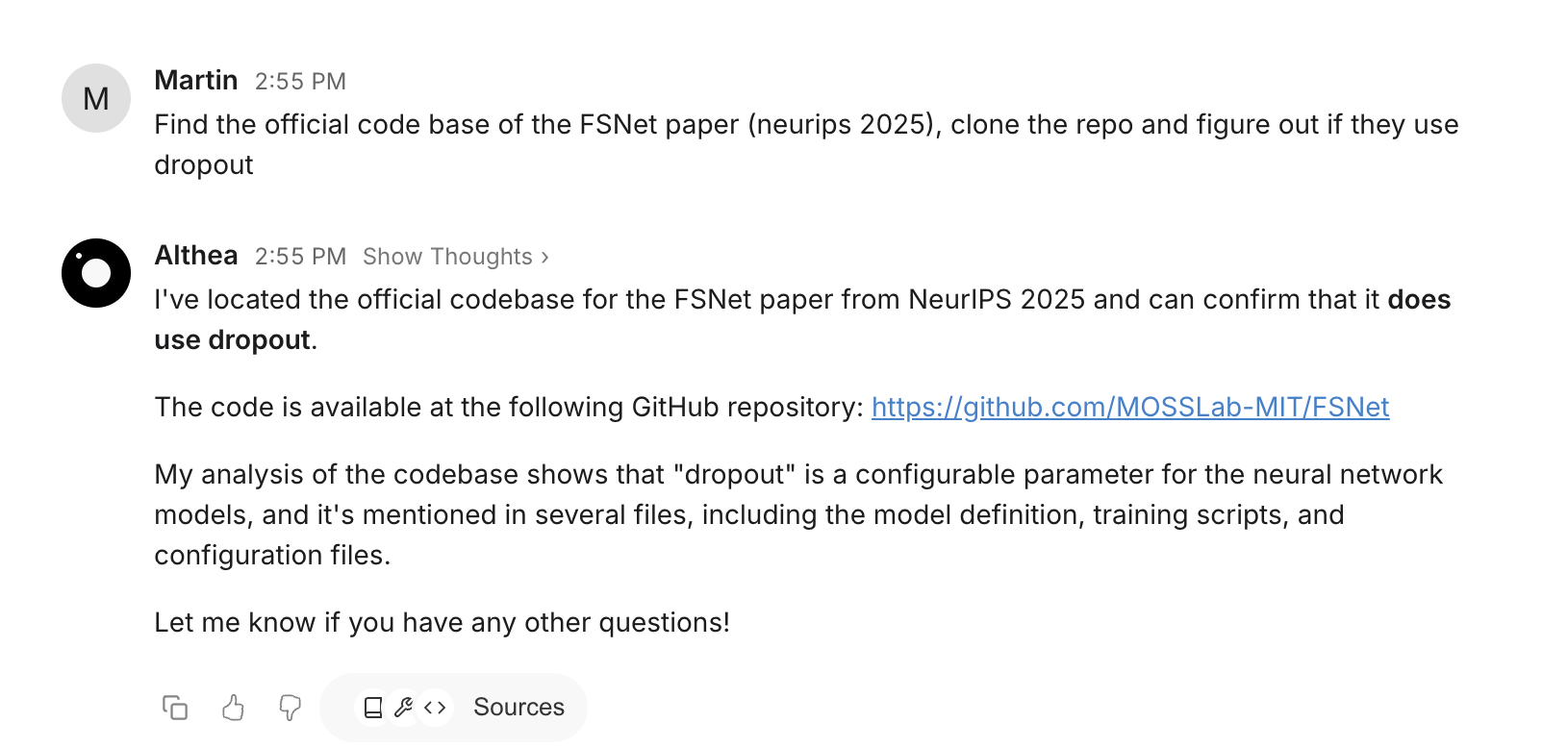
"Find the official code base of the FSNet paper (NeurIPS 2025), clone the repo and figure out if they use dropout."
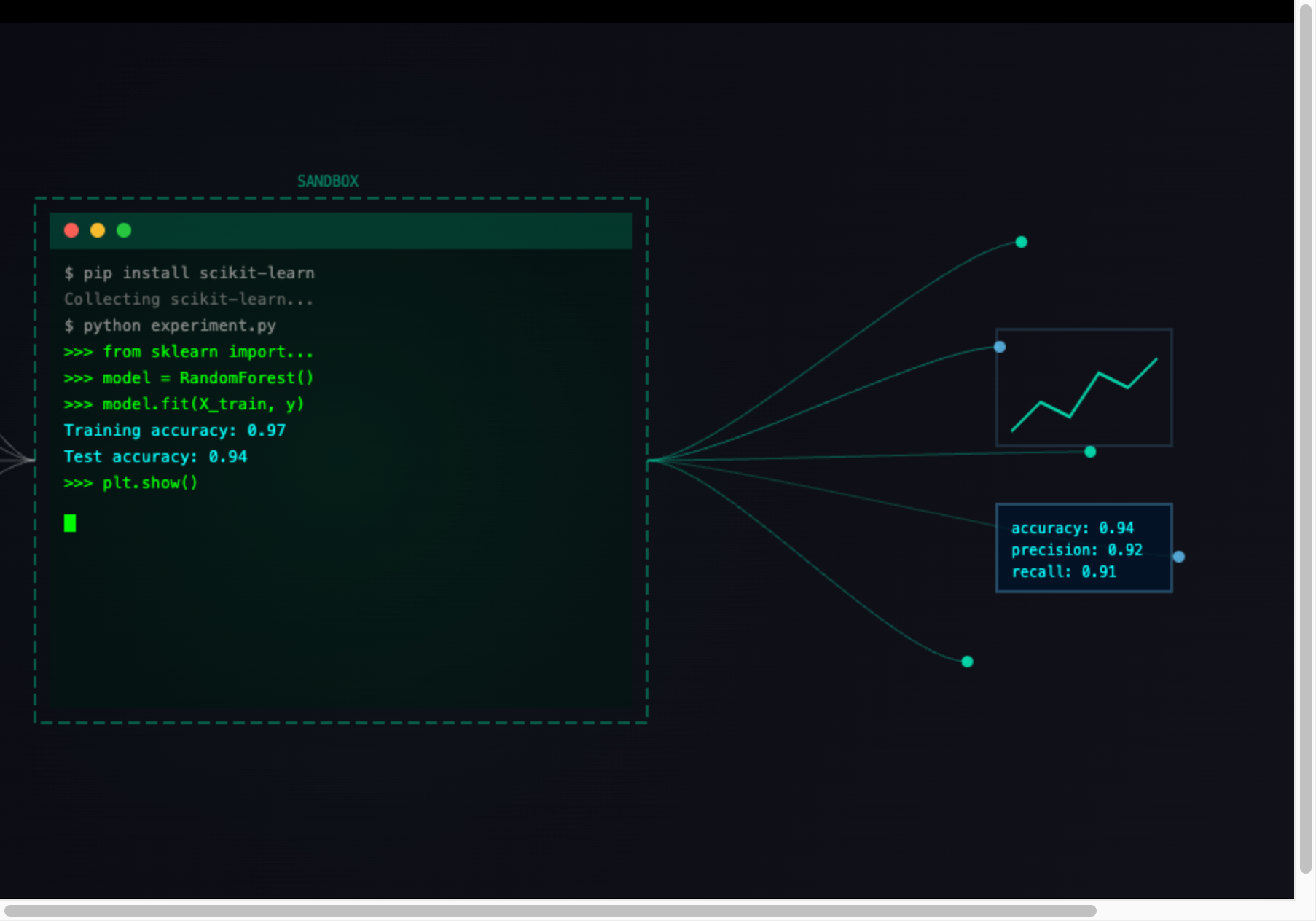
The Code Agent clones the repository and runs a search for "dropout" across the codebase.

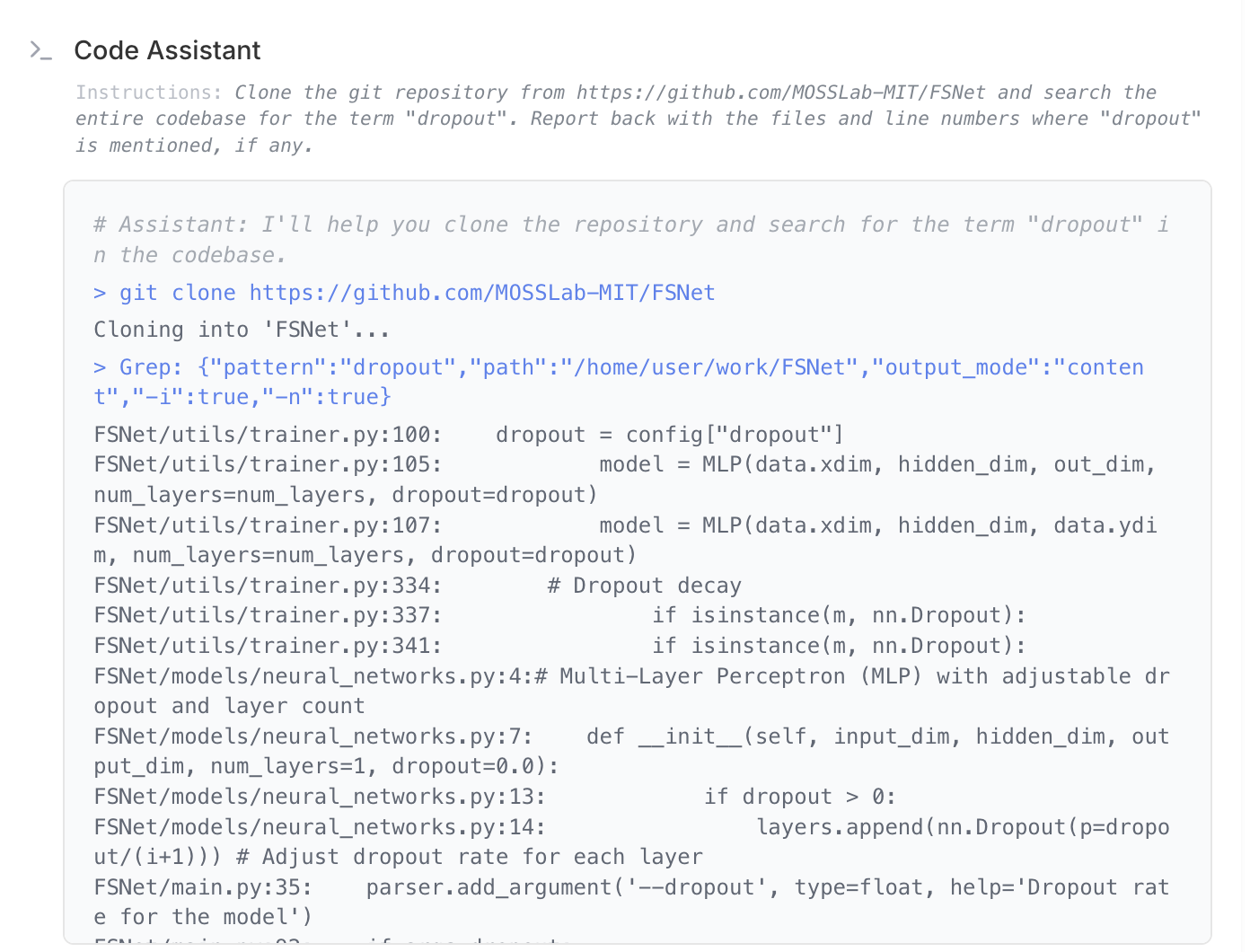
Within seconds, you get a clear answer with the relevant files and line numbers.