Omnichannel Delivery: Web, SMS, WhatsApp, Email, and Contact Cards

Althea is reachable via five surfaces: a web app, SMS, WhatsApp, email, and as a saved contact on your phone. Every channel is bidirectional. Conversations and memory persist across all of them. A thread you start over SMS is remembered when you follow up on the web. An email reply updates the same agent context.
The Web App
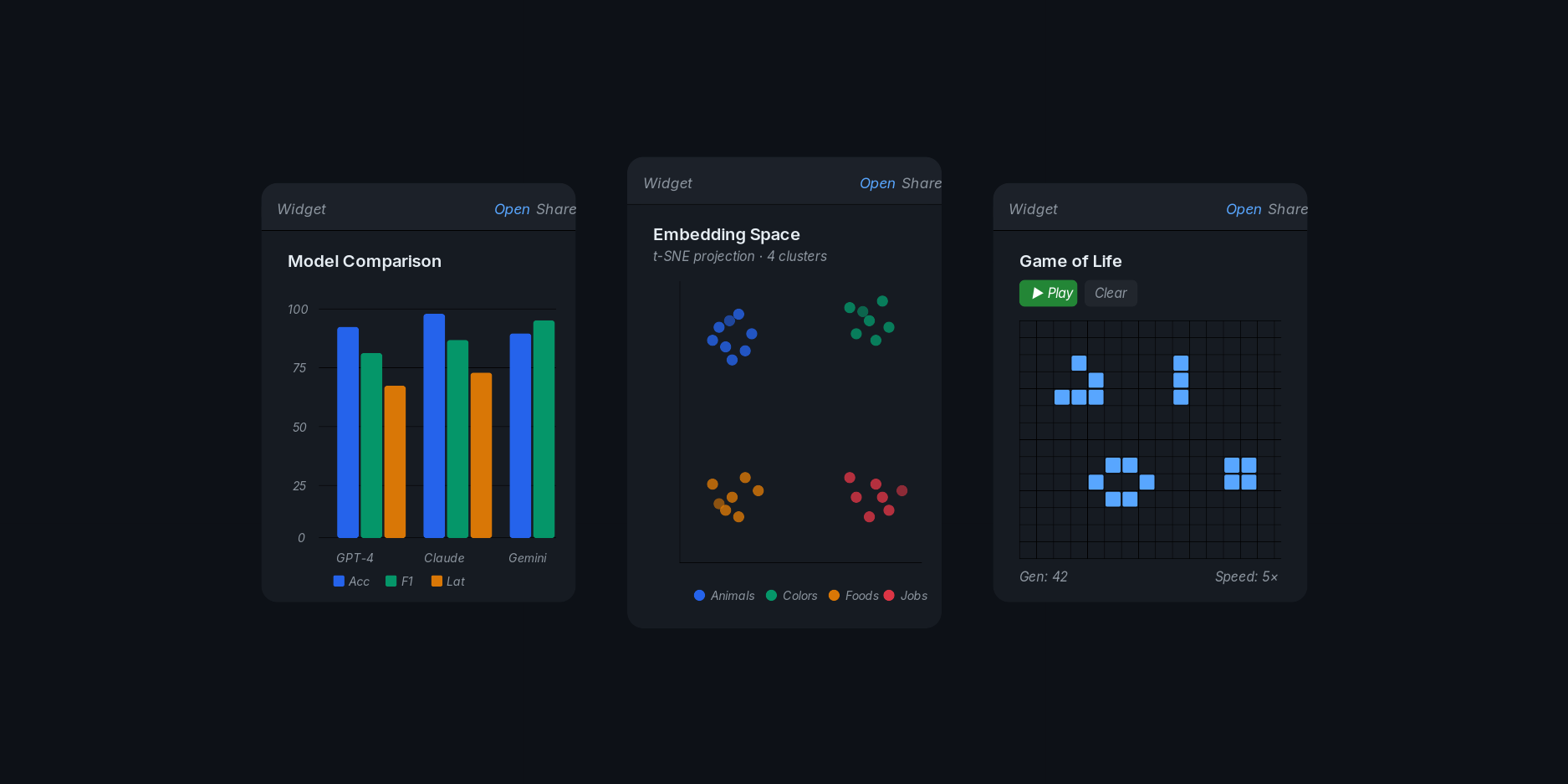
The web interface is the primary channel. It renders markdown, LaTeX, syntax-highlighted code blocks, and interactive widgets. You see each processing step in real time: tool calls, memory recalls, code execution, research queries. File uploads are drag-and-drop. CSV, images, documents.
SMS and WhatsApp
Both channels activate from a single phone verification. You enter your number in Settings, receive a one-time code, and submit it. The system creates both an SMS session and a WhatsApp session simultaneously. No separate setup.
Once verified, you can text Althea's number directly. Long responses are automatically split into chunks that arrive in order. Images and other media attachments work in both directions. Both channels strip interactive widgets from responses (those only render in the web app) and deliver plain text with a link to the widget.
Email is a first-class channel. When Althea sends you a news briefing, a task result, or a follow-up, you can reply directly. Your reply routes back to the agent as a standard inbound message. The conversation continues in-thread.
This works because each email thread maps to an agent session. Gmail integration handles threading automatically: replies stay in the same thread, and Althea's responses arrive as follow-ups in your inbox. If you connect your Gmail account, Althea can also read emails you forward to her for summarization or action.
Save Althea as a Contact
After phone verification, a downloadable vCard (VCF) becomes available in your contact settings. It contains Althea's name, phone number, email, profile photo, and the Tiptree logo. You can download it directly or scan a QR code.
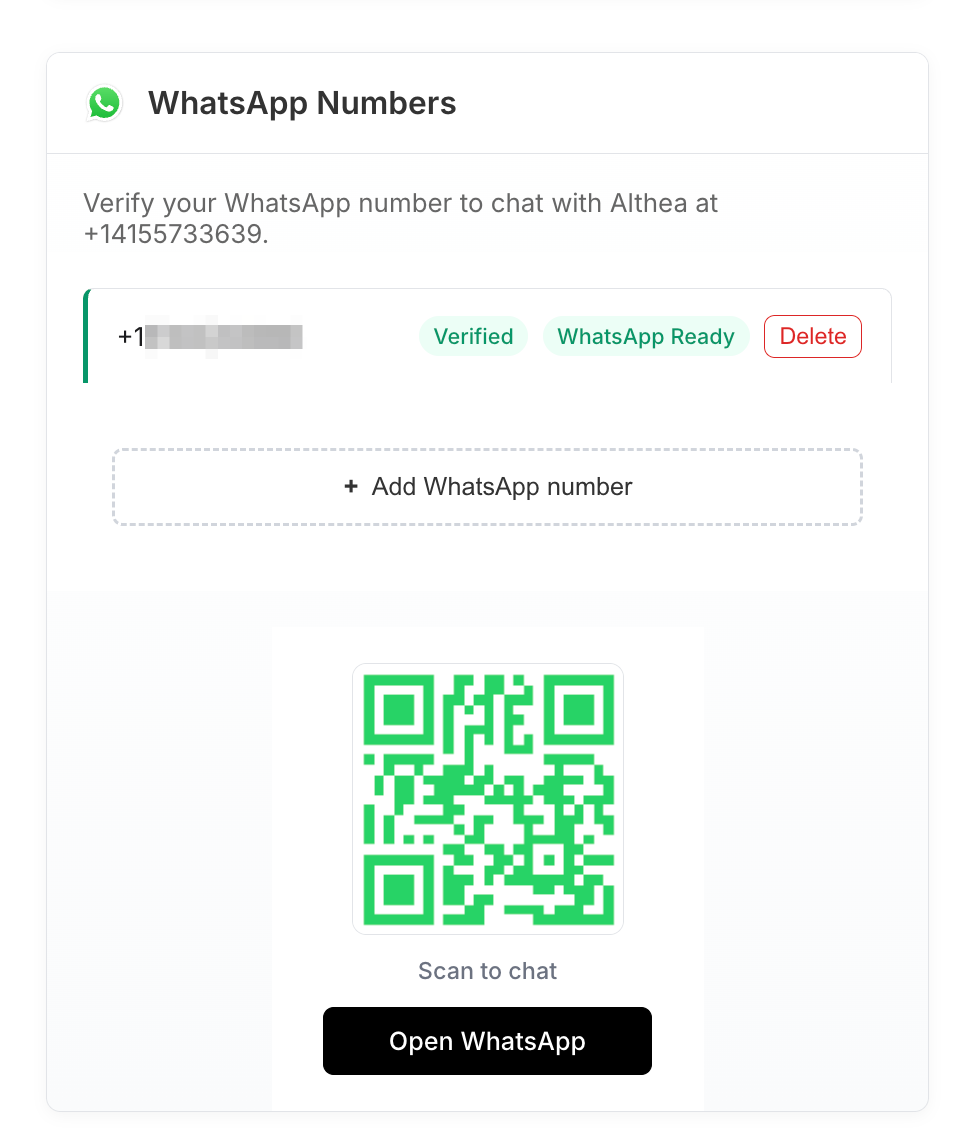
Once saved, Althea appears in your phone's contact list. Tap to text, tap to call, tap to WhatsApp. No need to remember a number or bookmark a URL.
Shared Memory Across Channels
All channels write to the same agent memory. If you ask Althea to remember something over SMS, she recalls it when you open the web app. If she sends you a research summary by email and you reply with a correction, that correction is available in your next WhatsApp conversation.
The Dossier and all accumulated context elements persist across every surface. There is no channel-specific silo.
In Practice
You receive a news briefing by email on your commute. One item mentions a preprint relevant to your current project. You reply: "Find the full paper and summarize the methods section." By the time you sit down at your desk and open the web app, the research summary is waiting in your chat, complete with citations and a link to the PDF.
Later that week, you text Althea from your phone: "What was the sample size in that methods summary?" She recalls the earlier email exchange and answers directly. You never re-stated the context. The memory carried over.
Intelligent Fallback
When Althea has a message for you and you are not connected to the web app, she routes it through the next available channel. The ordering is WhatsApp first, then SMS, then email; richer formats are preferred, with the most ubiquitous channel as the final fallback. You do not need to configure this. The system checks which channels you have verified and delivers accordingly.
Proactive messages (news briefings, task completions) reach you even when the browser is closed.
Setup
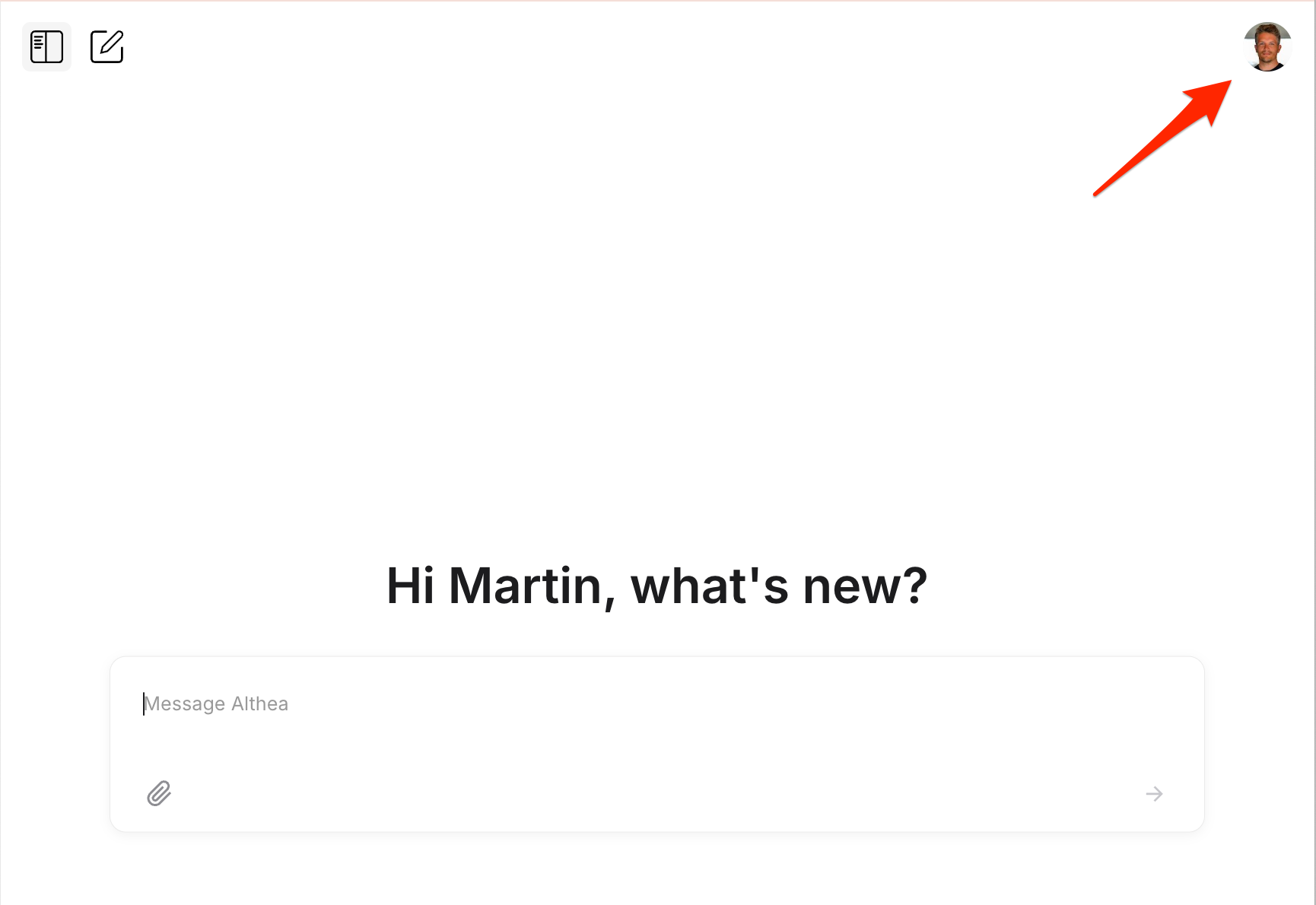
Click your profile icon in the top-right corner to open Settings.
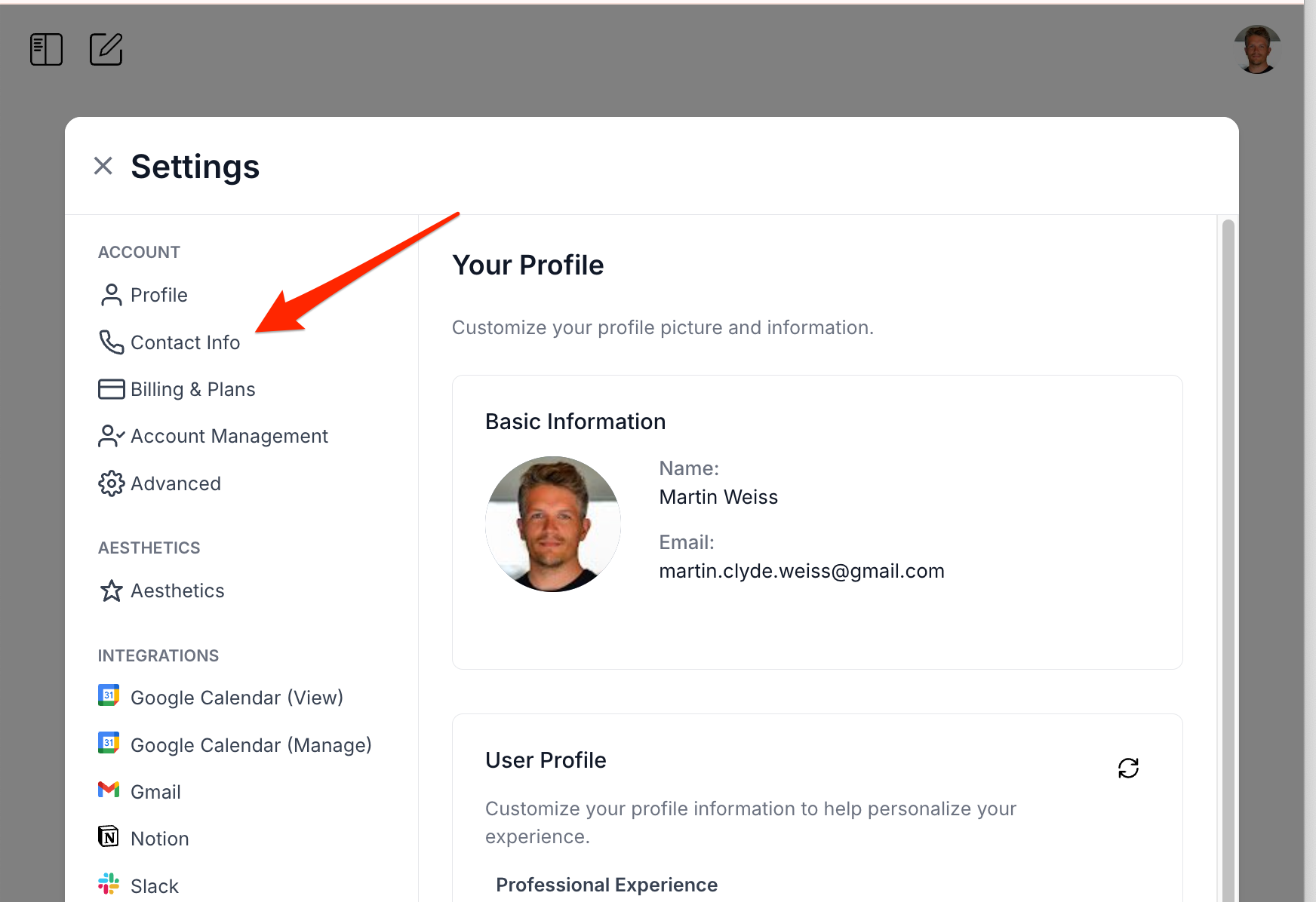
Navigate to Contact Info in the sidebar.
From there you can verify your email, phone number, and WhatsApp. Phone verification activates both SMS and WhatsApp simultaneously.
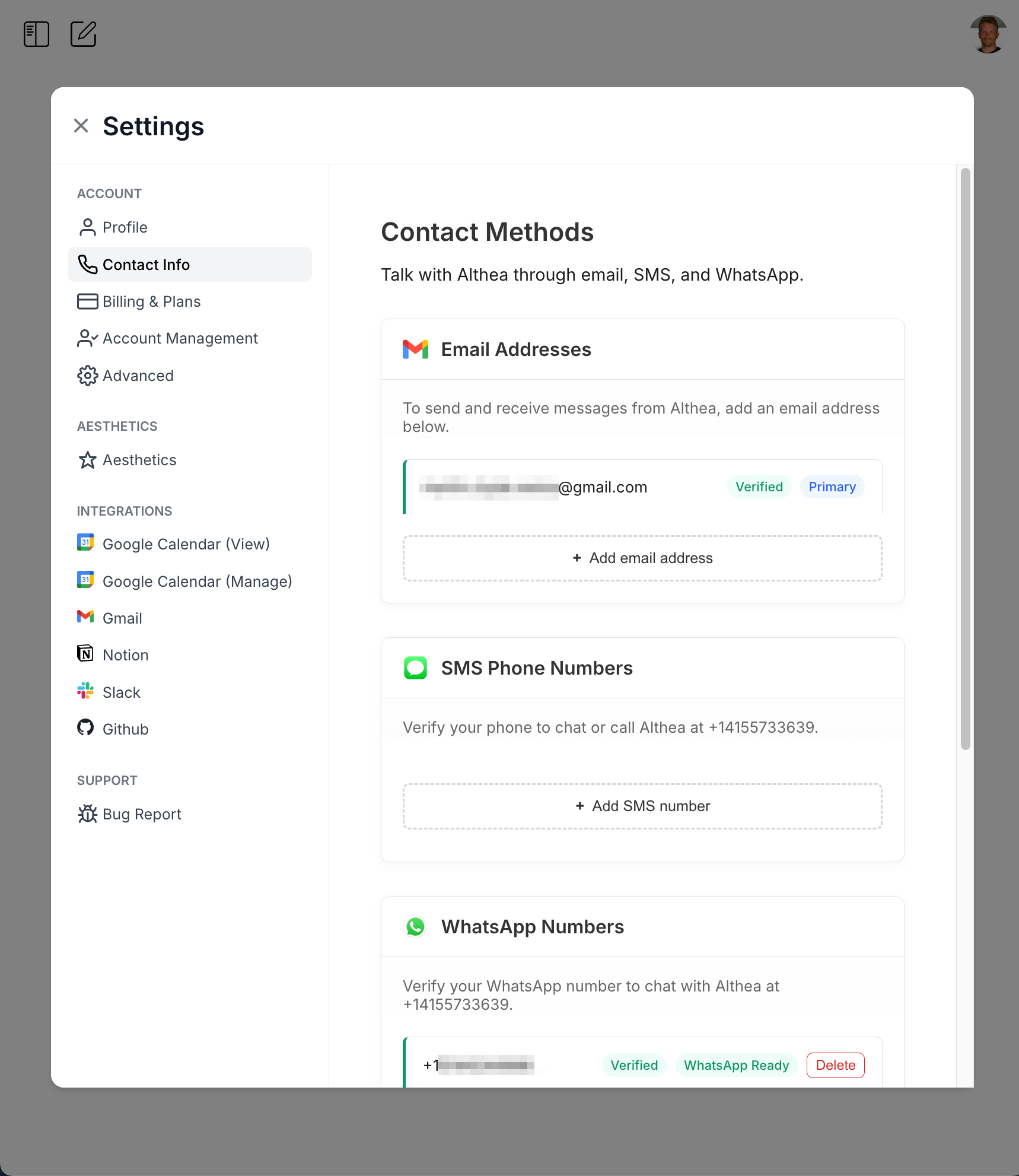
Connect your Gmail account under Integrations for email. Download the vCard or scan the QR code to save Althea as a contact. You are now reachable on all five surfaces.